
The flying car AI edit · October 2026
Flying Car AI Video Generator
Upload one photo of your own car and get a 5-second night clip where it lifts off out of the traffic and flies over the jam. 16:9, silent, ready for X, TikTok and Reels.
1 car photo · 5-second 16:9 MP4 · 170 credits at 480p · Sign-in required · No free credits
Flying Car AI at a Glance
FlyingCar Studio is a single-purpose tool: you upload one photo of your own car, and it comes back as the car that lifts off in a short night clip and flies over a jammed road.
| Input | One photo of your car — three-quarter or side view, the whole car in frame. |
|---|---|
| Output | MP4, 16:9, 5 seconds, silent, 480p or 720p |
| Mode | One mode: your car replaces the car that lifts off |
| Credits | 170 credits for a 480p clip, 380 for 720p. $1 = 100 credits. |
| Time | Usually a few minutes |
| Audio | None — the MP4 is silent. Add music in X, TikTok or Reels. |
| Privacy | Clips are created private; nothing is posted to a public gallery. |
| Free credits | None. There is no trial — buy a pack, then render. |
What Is Flying Car AI?
"Flying car AI" is the October 2026 wave of clips in which people feed a photo of their own car to an AI video editor and get back a night shot of it lifting off out of a traffic jam and flying over the queue. It followed the Tesla Roadster event on 15 October 2026, where a prototype jumped, rolled and briefly hovered in front of an invited crowd — a short stunt, not a production flying car.
This site does one thing: it puts your car into that night clip. You upload one photo, the studio replaces the car that lifts off, and everything else — the traffic, the road, the thruster glow, the camera — stays as it was shot.
Read what actually happened at the Roadster event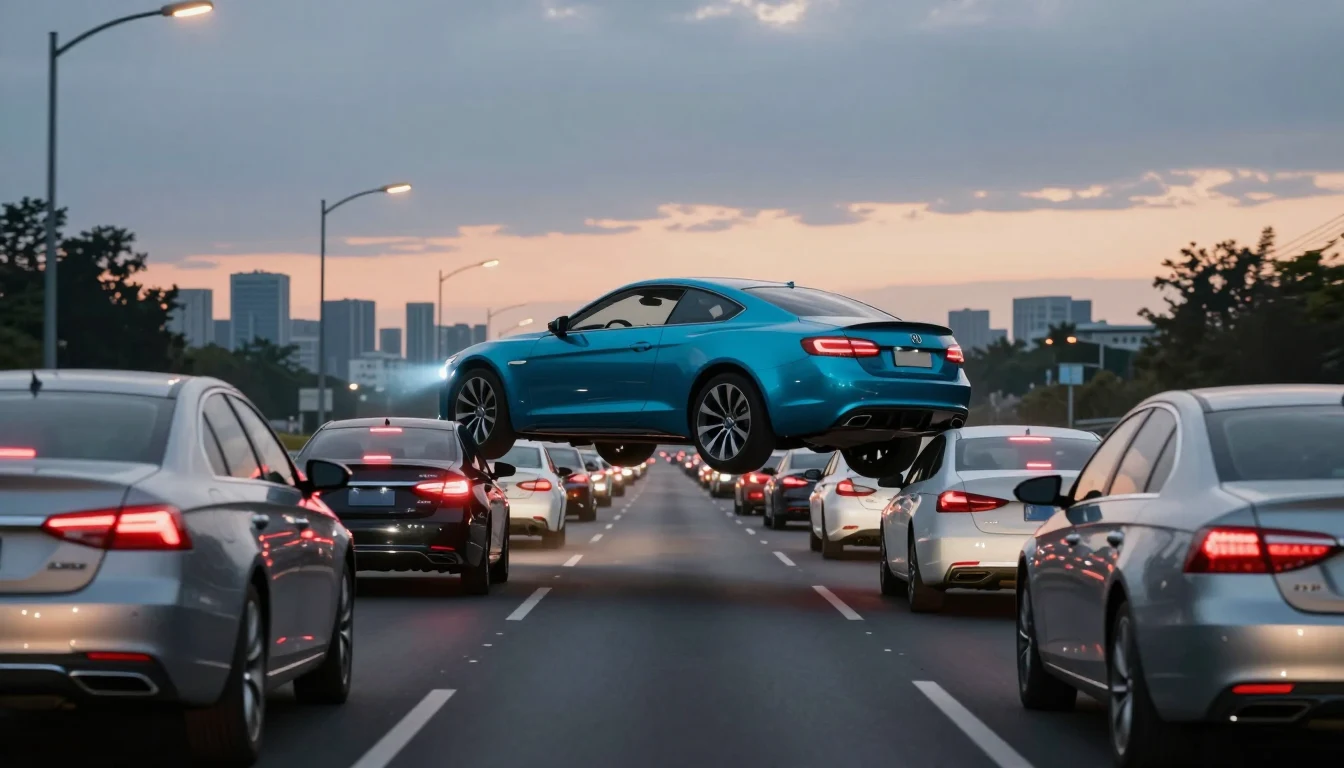
How to Make a Flying Car AI Video
Three steps, no editing.
Upload one photo of your car
Use a sharp shot where the whole car is visible — a three-quarter front or side view works best. Avoid heavy shadows and anything covering the body.
Pick 480p or 720p
480p costs 170 credits and 720p costs 380. Framing and the five-second flight are identical in both.
Download and add your own music
The MP4 is silent on purpose, so you can drop your own track in X, TikTok or Reels without a copyright claim.
What People Use It For
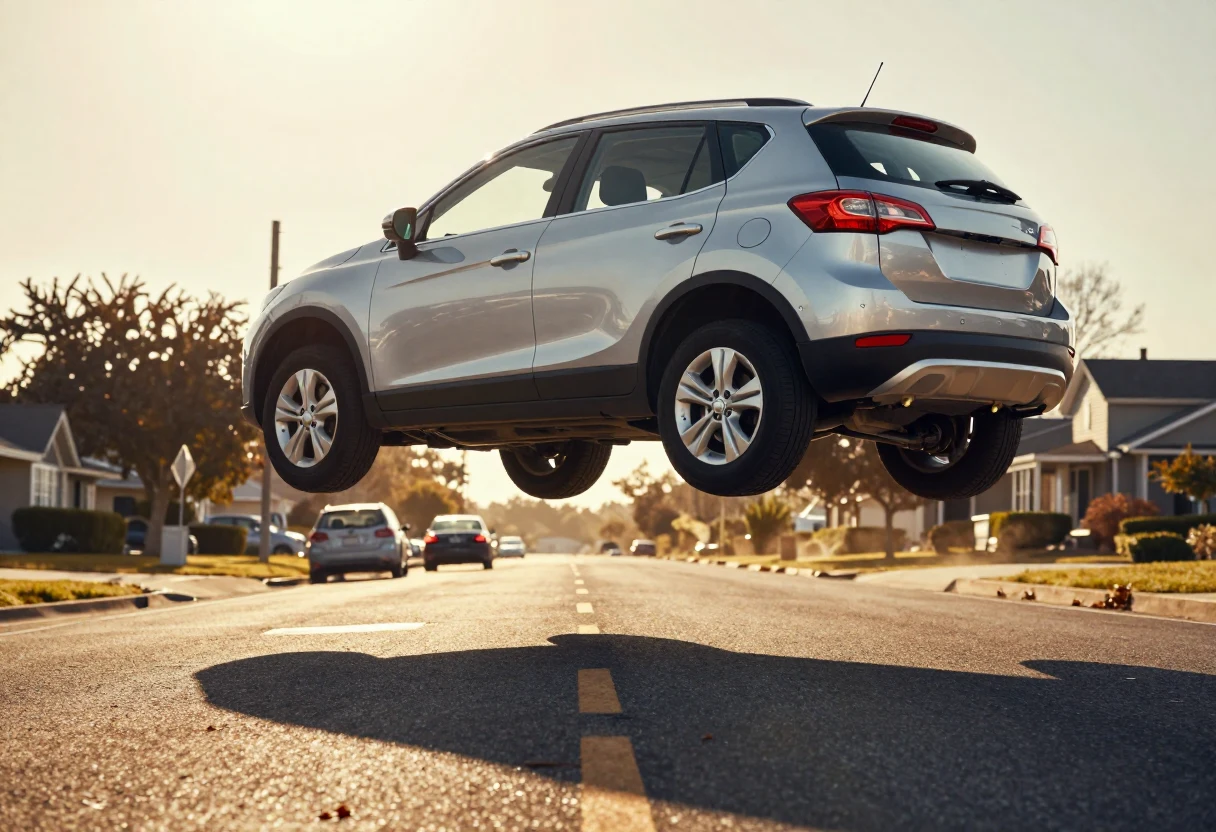
Your own car, off the ground
The obvious one: the car in your driveway, two car heights above a traffic jam.
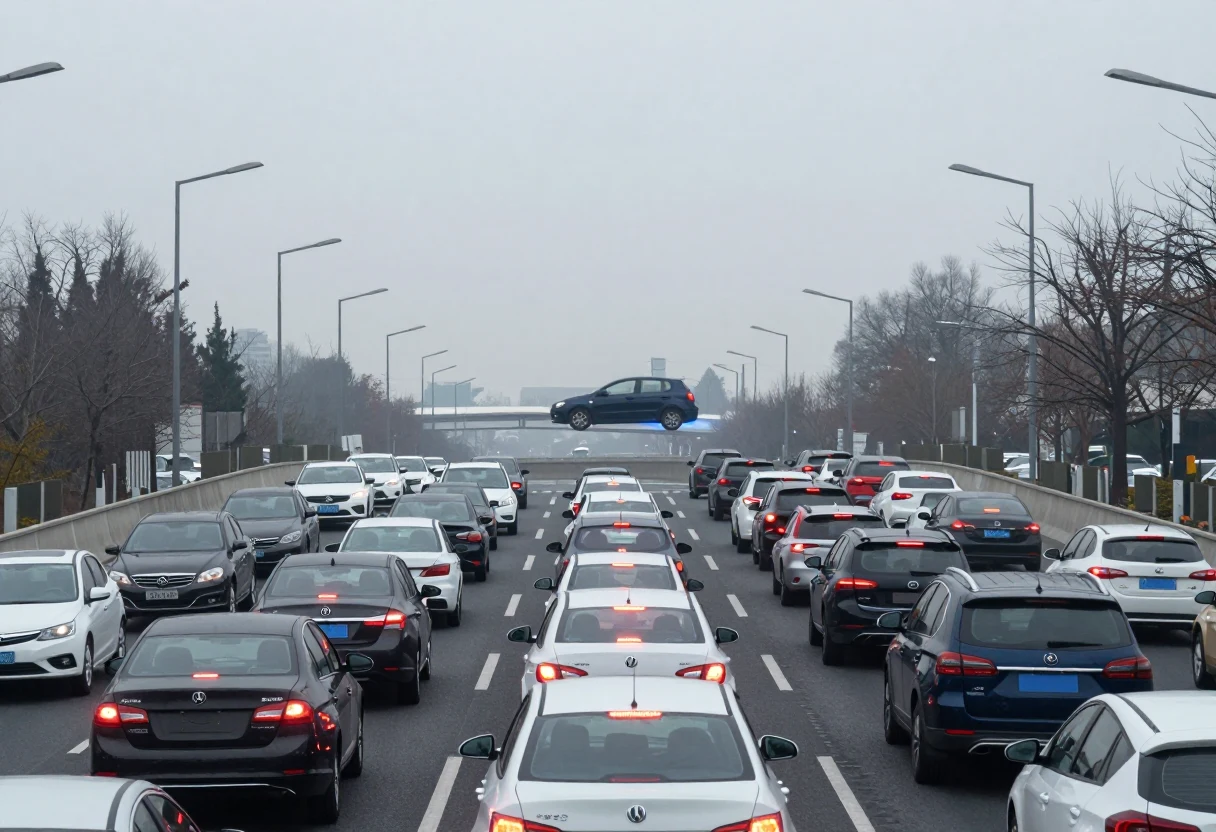
The commute joke
For anyone who sits in the same jam every morning — post it with the timestamp.
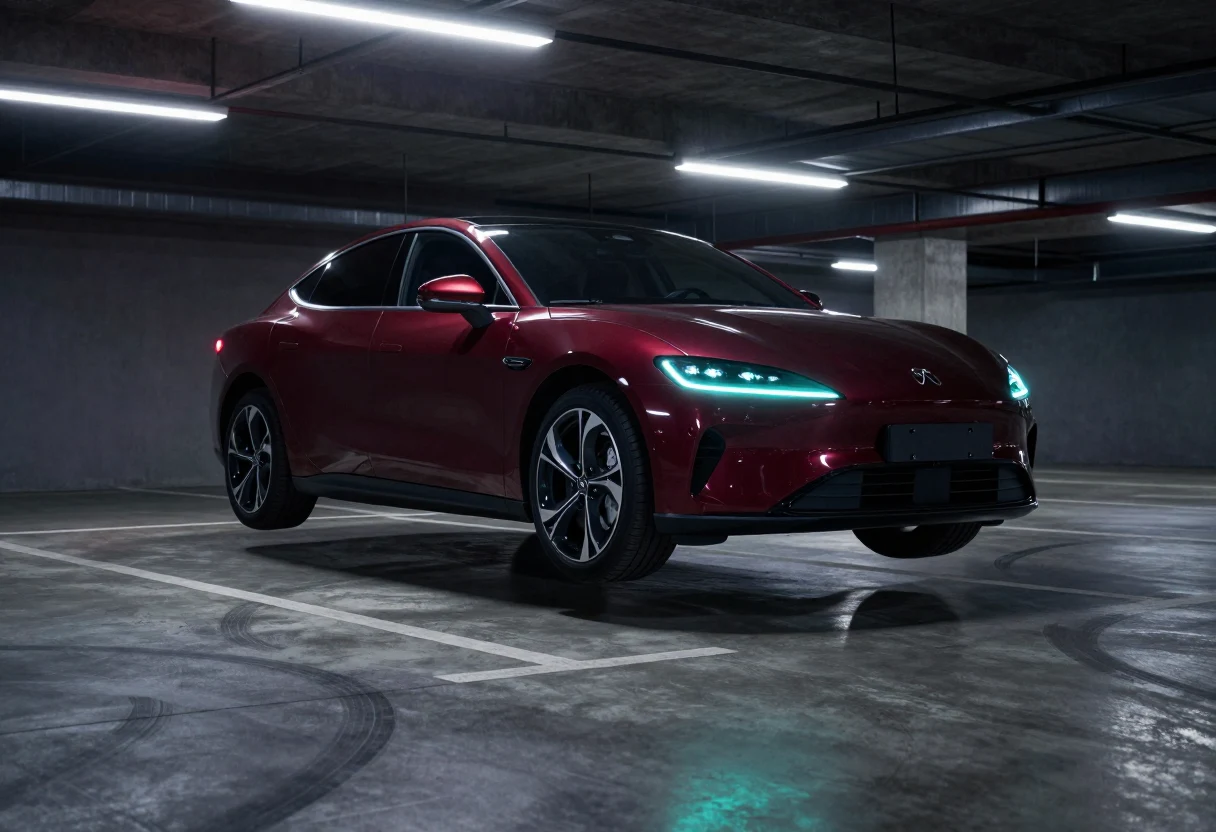
A car you are thinking about buying
Drop in the photo from the listing and see how it looks in the air before you drive it.
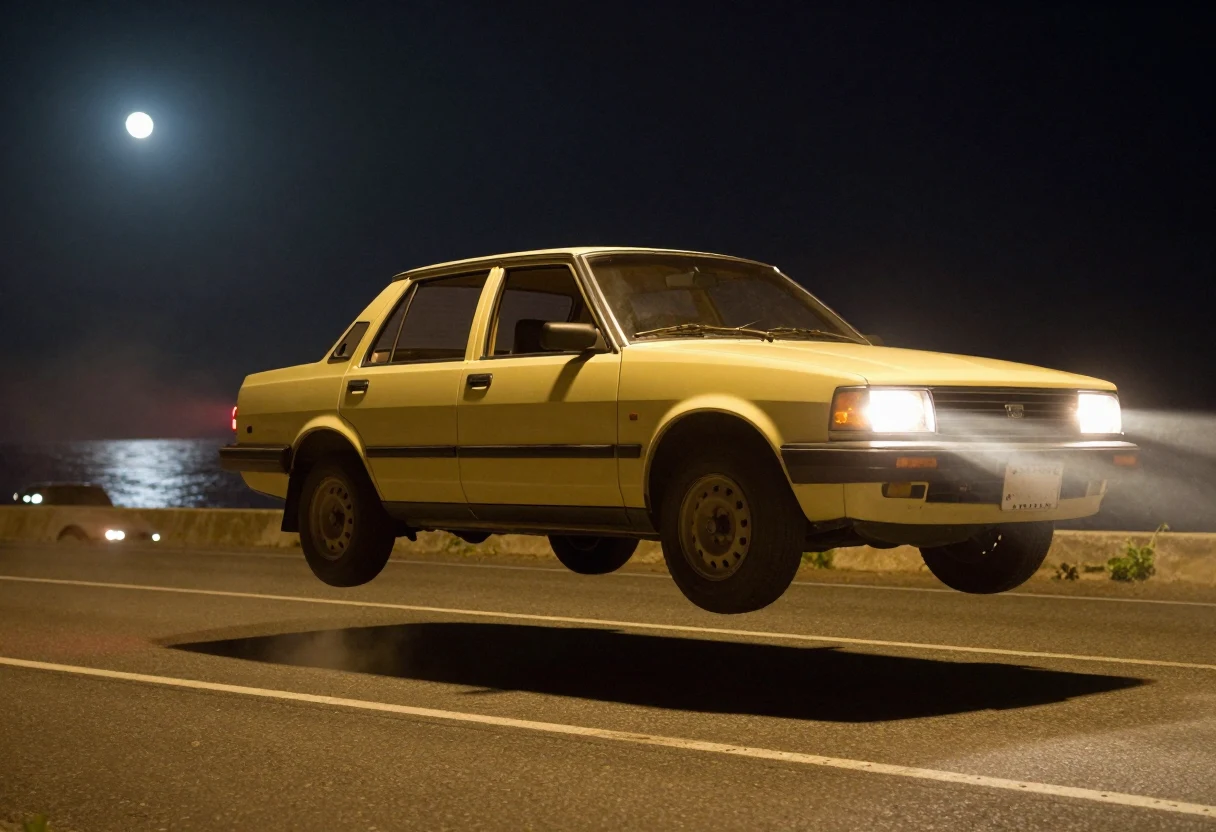
A car that is not on the road any more
Older project and museum photos work too, as long as the whole car is in frame.
Specifications
| Your car | |
|---|---|
| specs_car_label | specs_car_your-car |
| What stays | Traffic, road, sky, smoke, thruster glow, camera move and timing |
| Photo | 1 photo, whole car in frame, JPG / PNG / WebP up to 10 MB |
| Length | 5 seconds |
| Output | MP4, 16:9, 480p or 720p, silent |
| Credits | 170 at 480p · 380 at 720p |
| Audio | Silent by design — add your own track |
Why This One
Your car, not a stock model
The lead car is rebuilt from your photo — colour, wheels and stance included.
One template, not a prompt box
There is nothing to describe: the flight, the traffic and the camera are already in the shot.
Credits priced per clip
170 credits at 480p, 380 at 720p. No subscription and no rolling monthly charge.
Silent export
No music bed baked in, so your own audio will not get the upload muted.
16:9 for X and landscape posts
Frame it for an X post, a landscape Short, or a wide cut for Reels.
Private by default
Your clip is not added to a public gallery and there is no public feed.
Flying Car Video: Four Ways to Get One
| Method | What you need | The scene you get | Effort | Cost |
|---|---|---|---|---|
| FlyingCar Studio (this site) | 1 photo of your car and an account | The same night flight every time | Upload, pick a resolution, download | $5 pack = 500 credits |
| Template editors | Footage of your own car | Whatever you manage to shoot | Filming, cuts, captions | Free to a few dollars |
| General AI video studios | A prompt, reference images, retries | Whatever the model decides on the day | Prompting and re-rolls | Subscription or per-clip fees |
| Filming it yourself | A car, a ramp, a camera and a driver | A real jump, if you dare | A day of shooting and editing | Your own time |
What a Clip Costs
$1 buys 100 credits. A 5-second clip costs 170 credits at 480p and 380 at 720p, so the $5 pack covers two clips at 480p or one at 720p. Credits are charged only when a render is accepted.
- 5 Your car videos
- Credits work at 480p and 720p
- Pay once — no subscription
- Credits never expire
- 2 Your car videos
- Credits work at 480p and 720p
- Pay once — no subscription
- Credits never expire
- 11 Your car videos
- Credits work at 480p and 720p
- Pay once — no subscription
- Credits never expire
No subscription and no free credits. 480p costs 170 credits, 720p 380. Credits never expire.
Flying Car AI: Questions People Ask
No. There are no welcome credits and no trial. The first render needs a credit pack, and the smallest pack is $5, which is 500 credits — two 480p clips.
Put your car in the air
One photo, five seconds, 16:9. The traffic stays, the car flies.